
Derzeit nicht verfügbar
Handgeprüfte Gebrauchtware
Bis zu 50 % günstiger als neu
Der Umwelt zuliebe
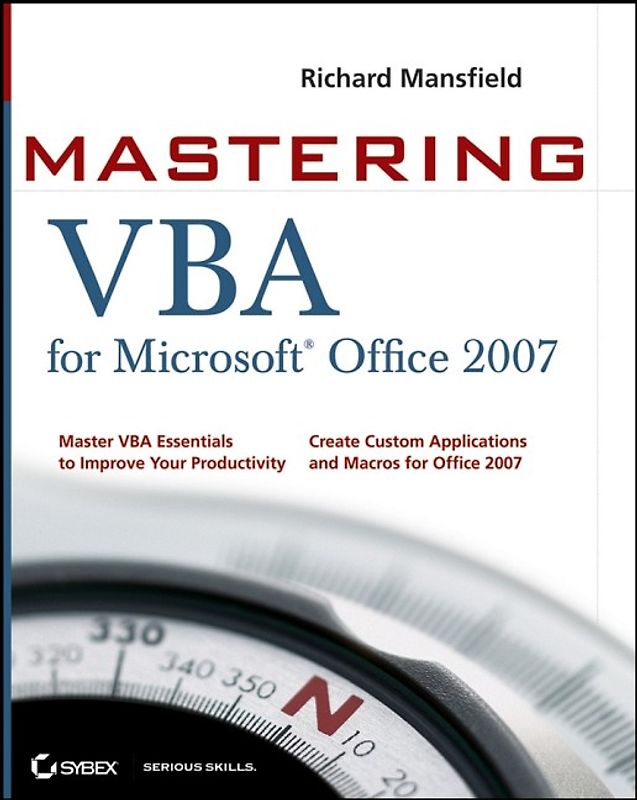
Mastering VBA for Microsoft Office 2007
Richard Mansfield (Unbekannter Einband, Englisch)
Keine Bewertungen vorhanden
Optischer Zustand
Beschreibung
Get more done in less time by automating Office tasks
Even if you're not a programmer, you can quickly learn to write macros, automate tasks, and create custom applications for Office 2007 with Microsoft'sVisual Basic(r) for Applications (VBA) and the in-depth instruction in this comprehensive guide.
You'll jump right into the basics of recording and running macros with Office's built-in Macro Dieses Produkt haben wir gerade leider nicht auf Lager.
Handgeprüfte Gebrauchtware
Bis zu 50 % günstiger als neu
Der Umwelt zuliebe
Technische Daten
Erscheinungsdatum
24.04.2008
Sprache
Englisch
EAN
9780470279595
Herausgeber
John Wiley & Sons
Sonderedition
Nein
Autor
Richard Mansfield
Seitenanzahl
888
Auflage
2
Einbandart
Broschiert
Autorenporträt
Richard Mansfield is the author of more than 40 computer books, including CSS Web Design For Dummies (Wiley), Office 2003 Application Development All-in-One Desk Reference For Dummies (Wiley), Visual Basic.NET Power Tools (Sybex), and others. He is the former editor of COMPUTE! magazine and has written hundreds of magazine articles and two long-running columns.
Schlagwörter
VBA
Inhaltsverzeichnis
Part 1. Recording Macros and Getting Started with VBA.
Chapter 1. Recording and Running Macros in the Office Applications.
Chapter 2. Getting Started with the Visual Basic Editor.
Chapter 3. Editing Recorded Macros.
Chapter 4. Creating Code from Scratch in the Visual Basic Editor.
Part 2. Learning How to Work with VBA.
Chapter 5. Understanding the Essentials of VBA Syntax.
Chapter 6. Working with Variables, Constants, and Enumerations.
Chapter 7. Using Array Variables.
Chapter 8. Finding the Objects, Methods, and Properties You Need.
Part 3. Making Decisions and Using Loops and Functions.
Chapter 9. Using Functions.
Chapter 10. Creating Your Own Functions.
Chapter 11. Making Decisions in Your Code.
Chapter 12. Using Loops to Repeat Actions.
Part 4. Using Message Boxes, Input Boxes, and Dialog Boxes.
Chapter 13. Getting User Input with Message Boxes and Input Boxes.
Chapter 14. Creating Simple Custom Dialog Boxes.
Chapter 15. Creating Complex Dialog Boxes.
Part 5. Creating Effective Code.
Chapter 16. Building Modular Code and Using Classes.
Chapter 17. Debugging Your Code and Handling Errors.
Chapter 18. Building Well-Behaved Code.
Chapter 19. Securing Your Code with VBA's Security Features.
Part 6. Programming the Office Applications.
Chapter 20. Understanding the Word Object Model and Key Objects.
Chapter 21. Working with Widely Used Objects in Word.
Chapter 22. Understanding the Excel Object Model and Key Objects.
Chapter 23. Working with Widely Used Objects in Excel.
Chapter 24. Understanding the PowerPoint Object Model and Key Objects.
Chapter 25. Working with Shapes and Running Slide Shows.
Chapter 26. Understanding the Outlook Object Model and Key Objects.
Chapter 27. Working with Events in Outlook.
Chapter 28. Understanding the Access Object Model and Key Objects.
Chapter 29. Manipulating the Data in an Access Database via VBA.
Chapter 30. Accessing One Application from Another Application.
Glossary.
Höhe
236 mm
Breite
18.8 cm
-.-
Leider noch keine Bewertungen
Leider noch keine Bewertungen
Sicher bei rebuy kaufen
Schreib die erste Bewertung für dieses Produkt!
Wenn du eine Bewertung für dieses Produkt schreibst, hilfst du allen Kund:innen, die noch überlegen, ob sie das Produkt kaufen wollen. Vielen Dank, dass du mitmachst!
Sicher bei rebuy kaufen