
Handgeprüfte Gebrauchtware
Bis zu 50 % günstiger als neu
Der Umwelt zuliebe
Optischer Zustand
Sichtbare Gebrauchsspuren auf einzelnen Seiten z. B. umfangreiche Markierungen/Notizen, ausgefranste Kanten des Buchumschlags, Wasserschäden, deutliche Verformung des gesamten Buches sowie größere Verschmutzungen durch mehrmaligem Gebrauch Könnte ein Mängelexemplar sein oder ein abweichendes Cover haben (z. B. Clubausgaben) Gut für den Eigenbedarf geeignet
Beschreibung
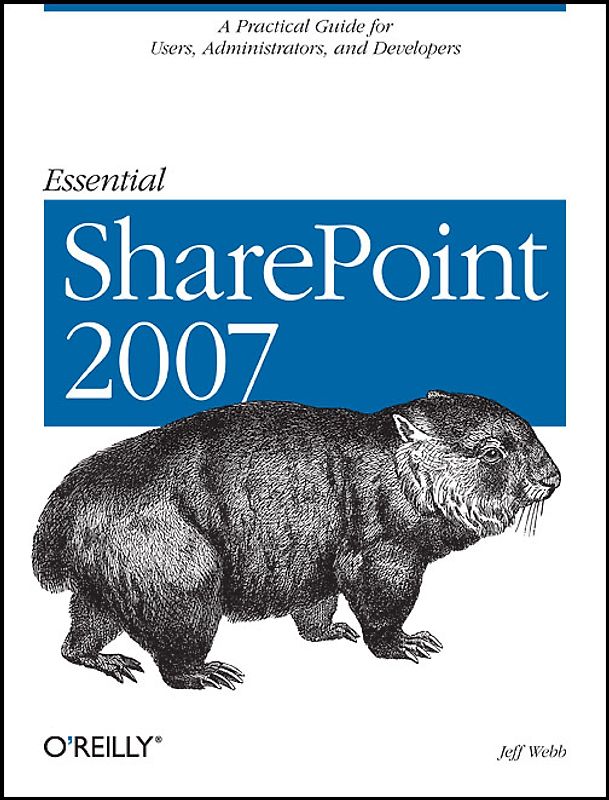
If you're considering the vastly improved 2007 version of SharePoint, this concise, practical and friendly guide will teach you how to get the most from the latest version of Microsoft's information-sharing and collaboration platform. Essential SharePoint 2007 demonstrates how your business can use SharePoint to control documents, structure workflow, and share information over the Web using 2,59 €
zzgl.
zzgl.
Handgeprüfte Gebrauchtware
Bis zu 50 % günstiger als neu
Der Umwelt zuliebe
Technische Daten
Erscheinungsdatum
01.09.2007
Sprache
Englisch
EAN
9780596514075
Herausgeber
O'Reilly and Associates
Sonderedition
Nein
Autor
Jeff Webb
Seitenanzahl
446
Auflage
2
Einbandart
Unbekannter Einband
Buch Untertitel
A Practical Guide for Users, Administrators and Developers
Schlagwörter
SharePoint 2007, WSS 3.0,MOSS,STS,SPS,MOSS/S ,
Inhaltsverzeichnis
Inhaltsverzeichnis
Preface
1. Using SharePoint
How Does This Help Me Do My Job?
What Types of Sites Can I Create?
What Software Do I Need?
Parts of a Page
Creating Sites
Putting SharePoint to Work
Best Practices
2. Word, Excel, and Outlook
Setting Client Security
Editing, Saving, and Sharing Documents
Editing Lists in Excel
Viewing SharePoint Calendars from Outlook
Organizing Meetings from Outlook
Sharing Contacts with Outlook
Best Practices
3. Creating Sites
Choosing a Location and Template
Customizing Site Navigation
Summarizing Content with Web Parts
Adding Other Pages
Setting Security (Controlling Access)
Changing the General Appearance
Creating Custom Themes
Applying Stylesheets
Creating and Using Site Templates
Best Practices
4. Creating Lists
Using Built-in List Templates
Adding Columns
Adding Site Columns
Creating Views
Renaming a List and Changing Other Settings
Controlling Access to Lists
Editing List Pages
Saving the List As a Template
Deploying List Templates
Best Practices
5. Creating Libraries
Using the Built-in Library Templates
Changing Library Settings
Adding Content Types
Organizing Libraries
Saving a Library As a Template
Creating Library Applications
Best Practices
6. Building Pages
Using the Built-in Web Parts
Customizing List View Web Parts
Creating Client-Side Web Parts
Filtering Lists and Libraries in MOSS
Connecting to Data with WSRP in MOSS
Modifying Master Pages
Best Practices
7. Creating My Sites, Blogs, and Wikis
Creating My Sites in MOSS
Creating Blogs
Creating Wikis
Best Practices
8. Enabling Email and Workflow
Receiving Alerts
Emailing Task Assignments
Changing the From Address
Time-Driven Alerts
Emailing from Libraries
Emailing to Libraries
Creating Workflows
Creating Workflows in MOSS
Best Practices
9. RSS, Rollups, and Site Maps
RSS at a Glance
Using Rollups
Rollups Without MOSS
Providing Site Maps
Best Practices
10. Gathering Data with InfoPath
What Software Do You Need?
Using Form Libraries
Customizing Forms
Making a Form Read-Only
Populate a Control from a List
Validating Data
Preventing Changes to Form Templates
Using InfoPath Forms Services
Programming InfoPath
Setting Trust
Best Practices
11. Programming Web Parts
What to Build When.
What to Download
Creating Hosted Web Parts
Preparing to Develop Rendered Web Parts
Converting Existing Projects
Programming Rendered Web Parts
Creating Web Part Appearance
Adding Child Controls
Working on the Client Side
Understanding Event Order
Adding Properties
Exporting Web Parts
Adding Menus
Customizing the Property Task Pane
Connecting Parts
Deploying Web Parts
Best Practices
12. Consuming SharePoint Services
Choosing an Approach
Using the Office Object Model
Using Web Services
Using URL Commands
Using RPC
Best Practices
13. Administering SharePoint
Installing SharePoint
Enabling Internet Access
Enabling Anonymous Access
Enabling Forms-Based Authentication
Using Zones
Enabling Self-Service Site Creation
Scheduling Backups
Restoring
Auditing Activity
Enabling PDFs and Other File Types
Best Practices
A. Upgrading
B. Reference Tables
Glossary
Index
-.-
Leider noch keine Bewertungen
Leider noch keine Bewertungen
Sicher bei rebuy kaufen

Schreib die erste Bewertung für dieses Produkt!
Wenn du eine Bewertung für dieses Produkt schreibst, hilfst du allen Kund:innen, die noch überlegen, ob sie das Produkt kaufen wollen. Vielen Dank, dass du mitmachst!
Sicher bei rebuy kaufen